Work locally
Open workbooks in your browser. The anonymous file tools process your file locally.
Your workbook. Your device.
Edit XLSX files, compare formulas, convert sheets, or start from a template. Your files stay on your device.
Free browser tools · No account needed · Original XLSX source retained in the editor
XLSX · 128 MiB combined limit · Files stay in your browser
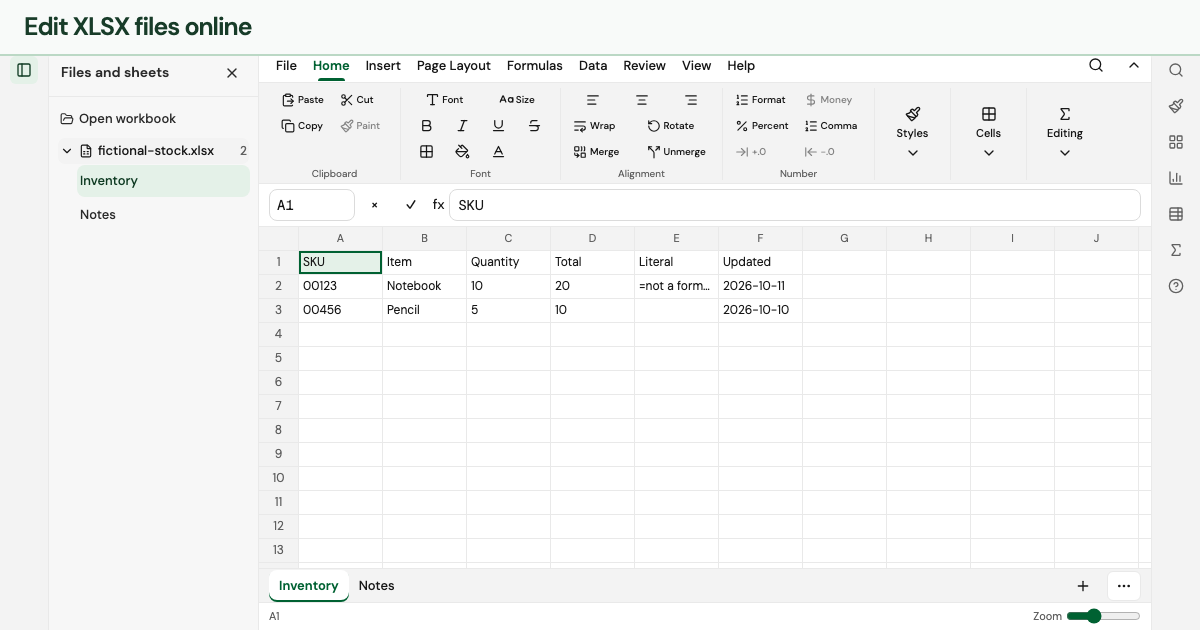
Open workbooks in your browser. The anonymous file tools process your file locally.
The editor retains formulas, styles and unrelated workbook parts. Supported edits use the same source SDK as the desktop app.
Preview conversions and data transformations before downloading. Clear limits explain what each output includes.
Start with something useful
Budgets, invoices, inventory, projects, timesheets and calendars. Download the XLSX or customize it in the shared online editor.
The same XLSX workspace powers the browser and desktop app. Formula calculation is partially supported; unsupported formulas and unsafe changes report diagnostics. The browser tools work now without installing an app.
Help with browser or desktop workflowsNo. The browser editor, converters and templates are available without an account.
Yes. Choose Edit source from the converter to work with the same original workbook. Save XLSX when you want a copy with supported edits.
The anonymous browser file tools process workbook contents locally. The website still makes ordinary requests for pages and sample files. Read the privacy page for details.
Choose XLSX files with a combined size of 128 MiB or less. Legacy XLS files and password-protected or encrypted workbooks are not supported.